
10+ years of experience
Product Designer specialised in healthcare and regulated digital products
I design product decisions where safety, constraints and real-world usage shape the experience.
Trusted by healthcare organizations







What I design
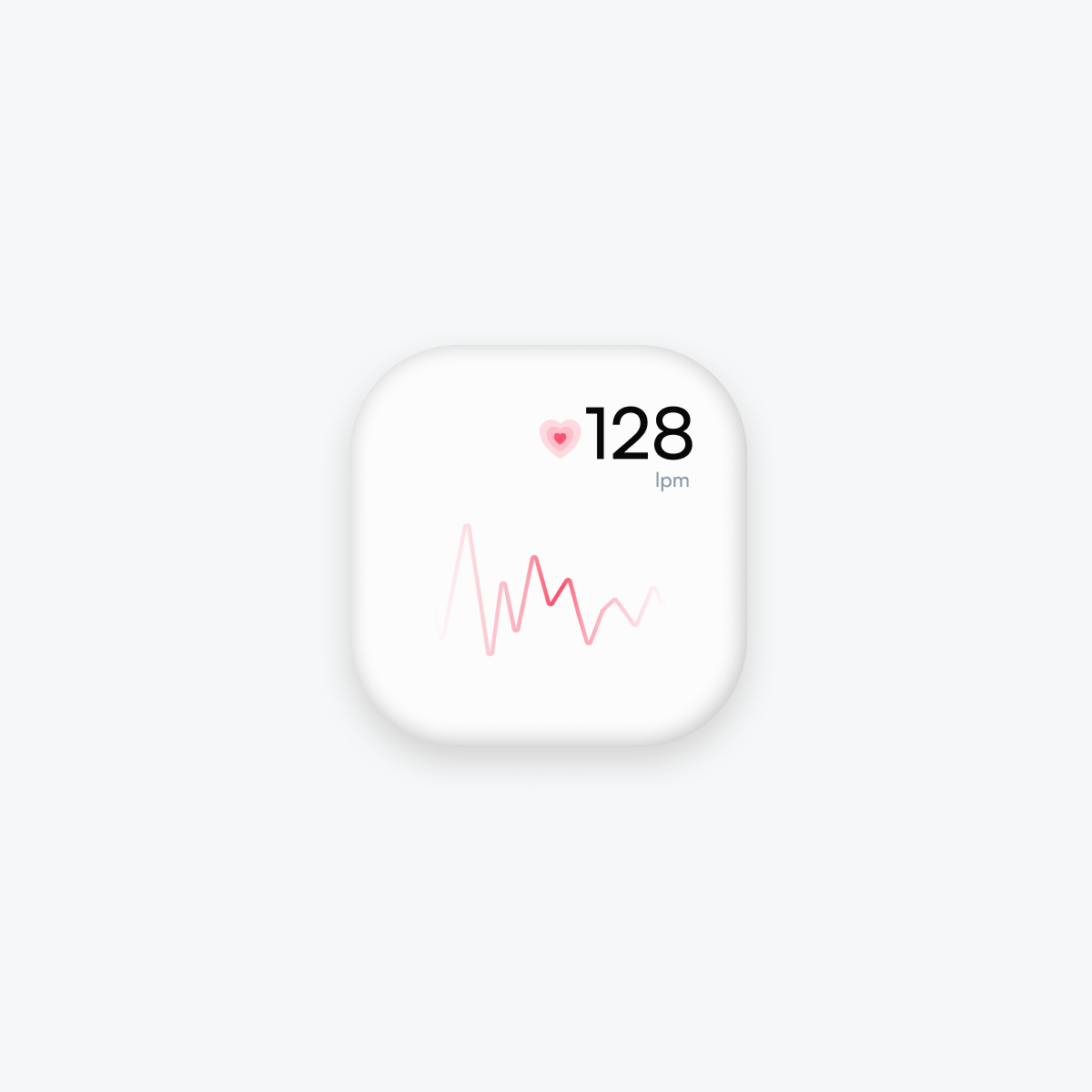
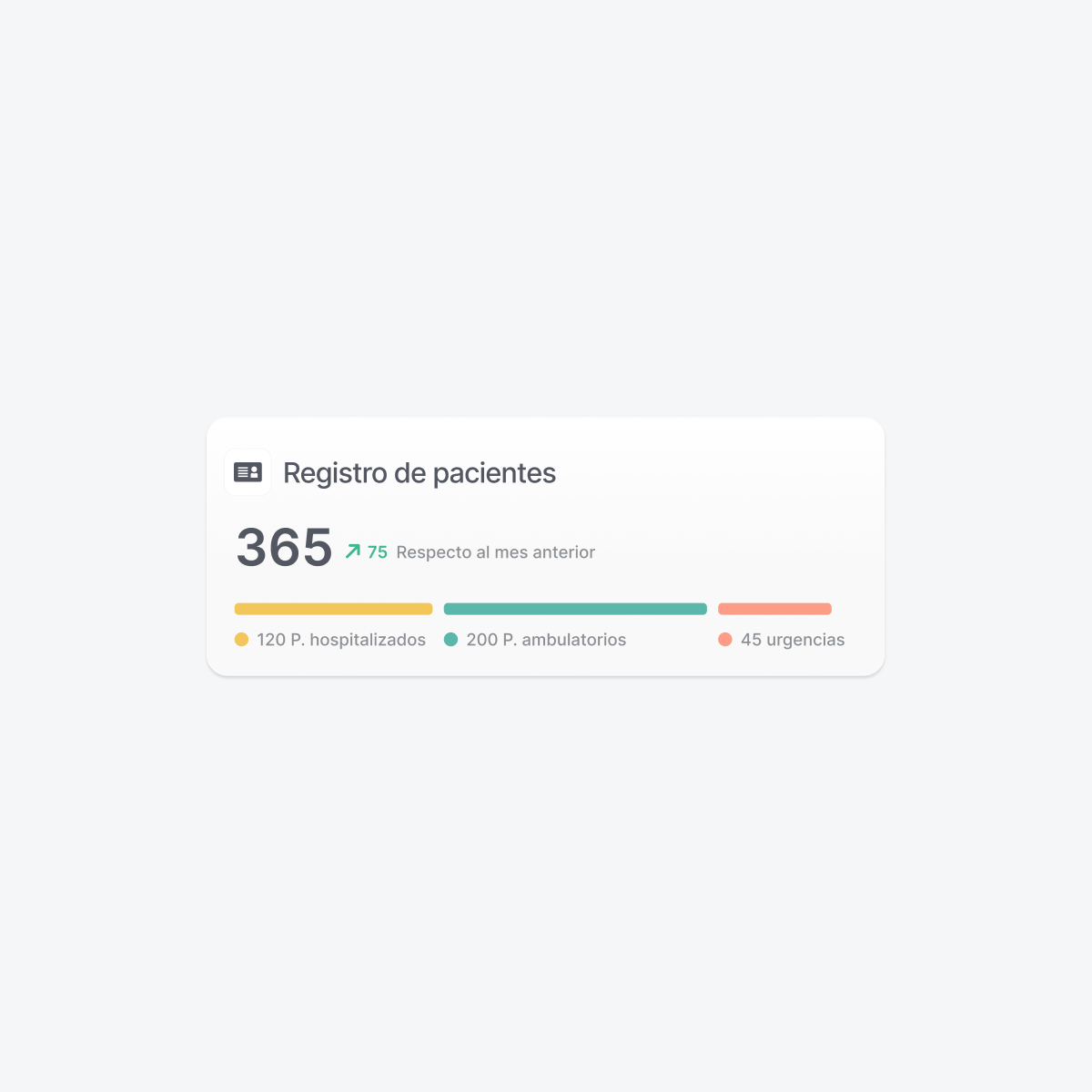
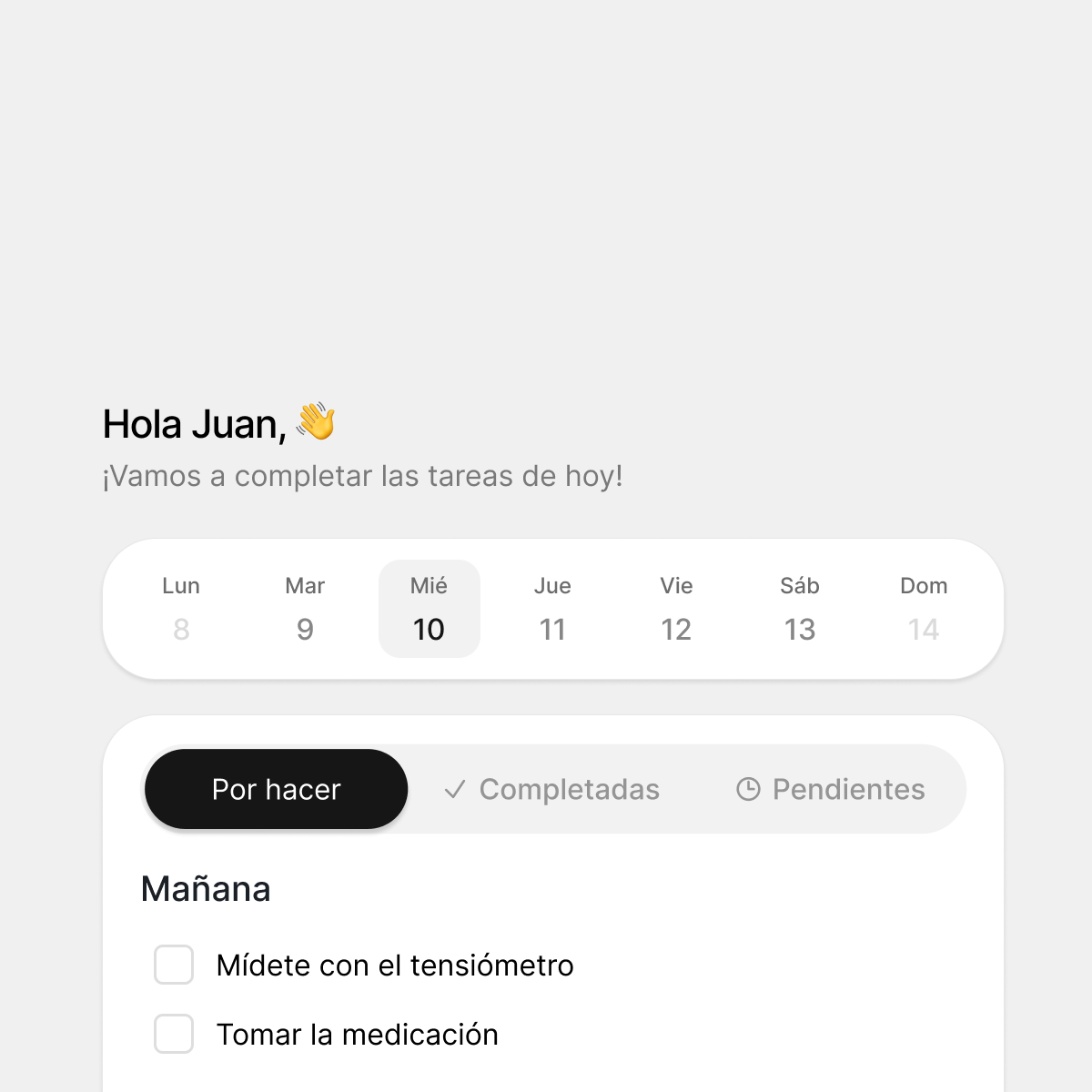
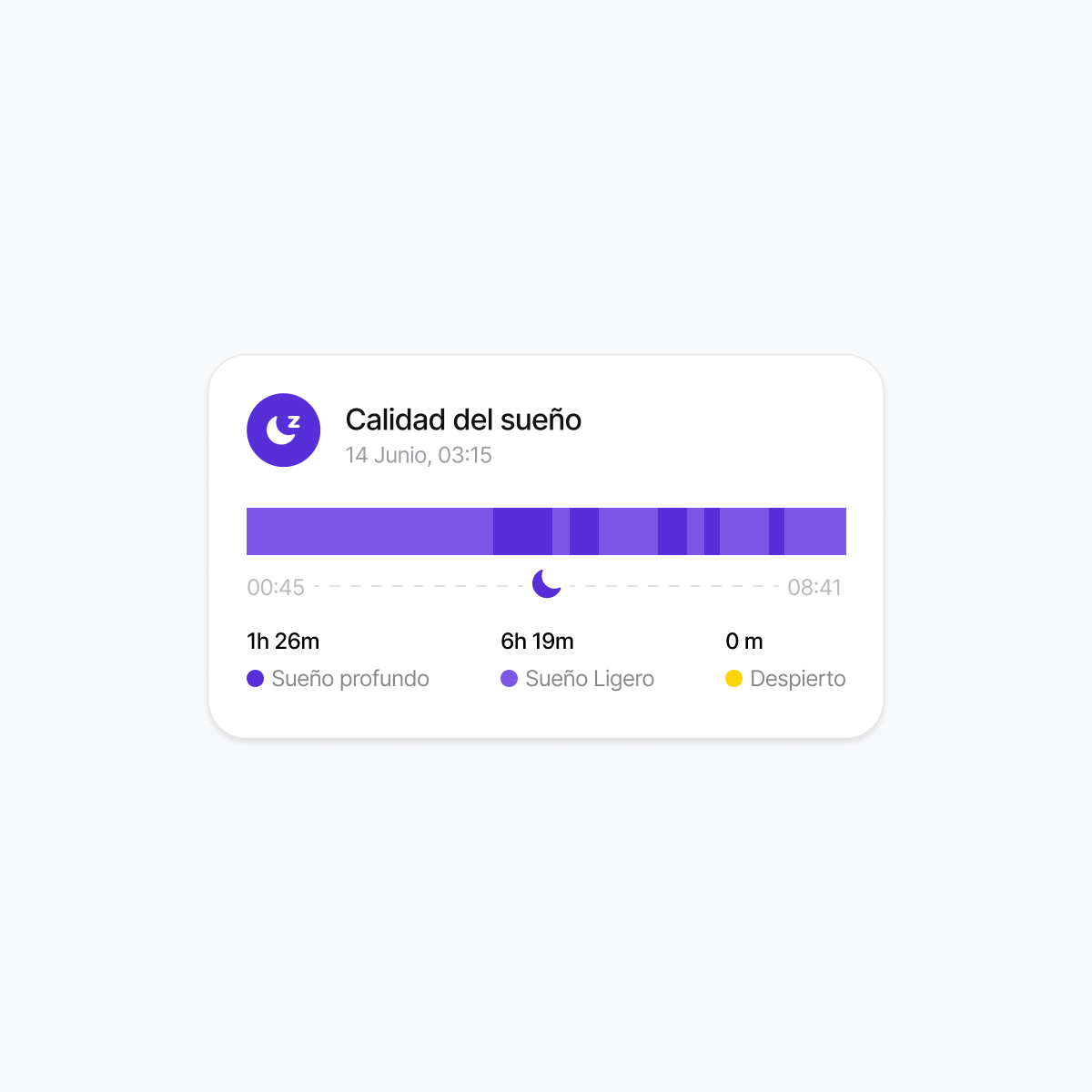
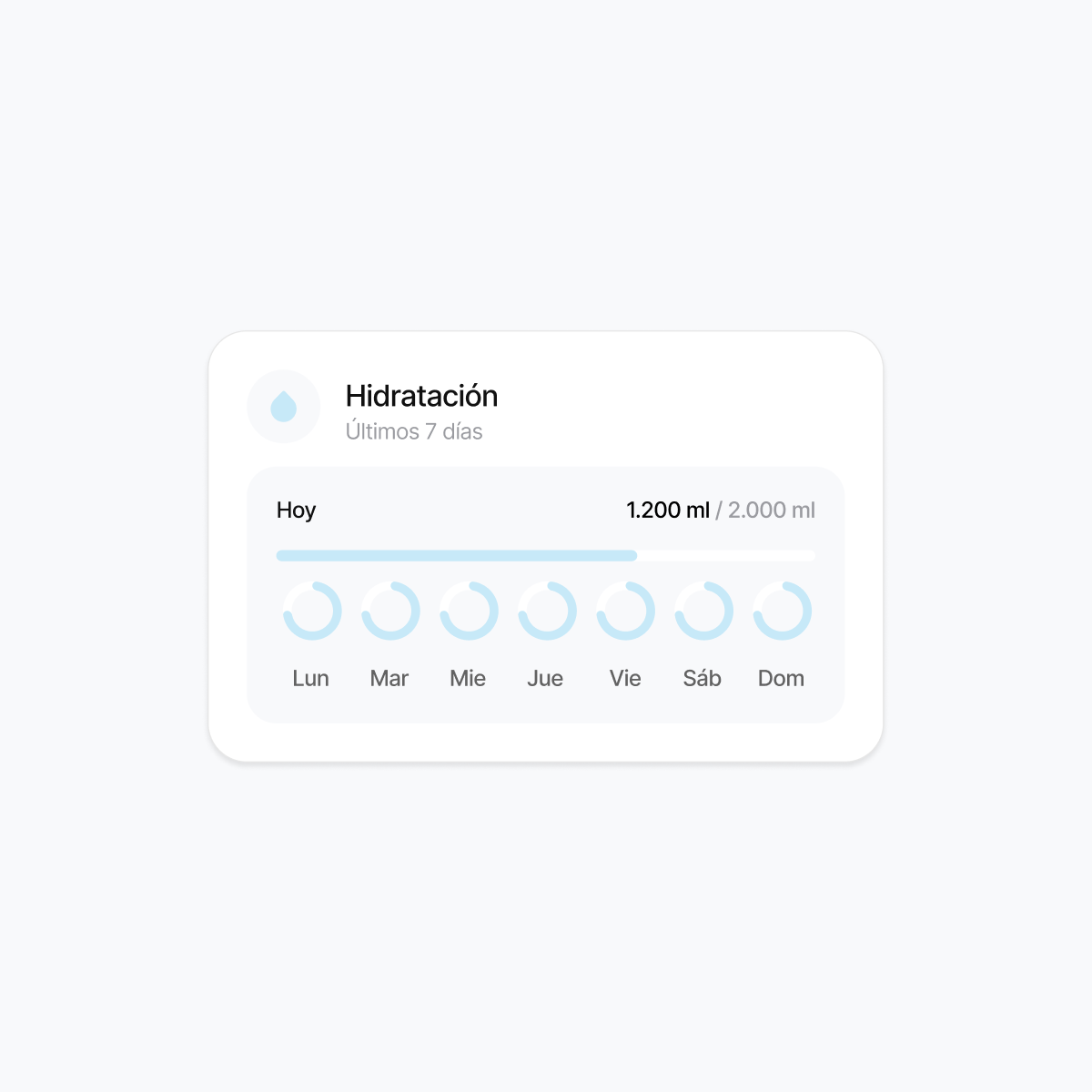
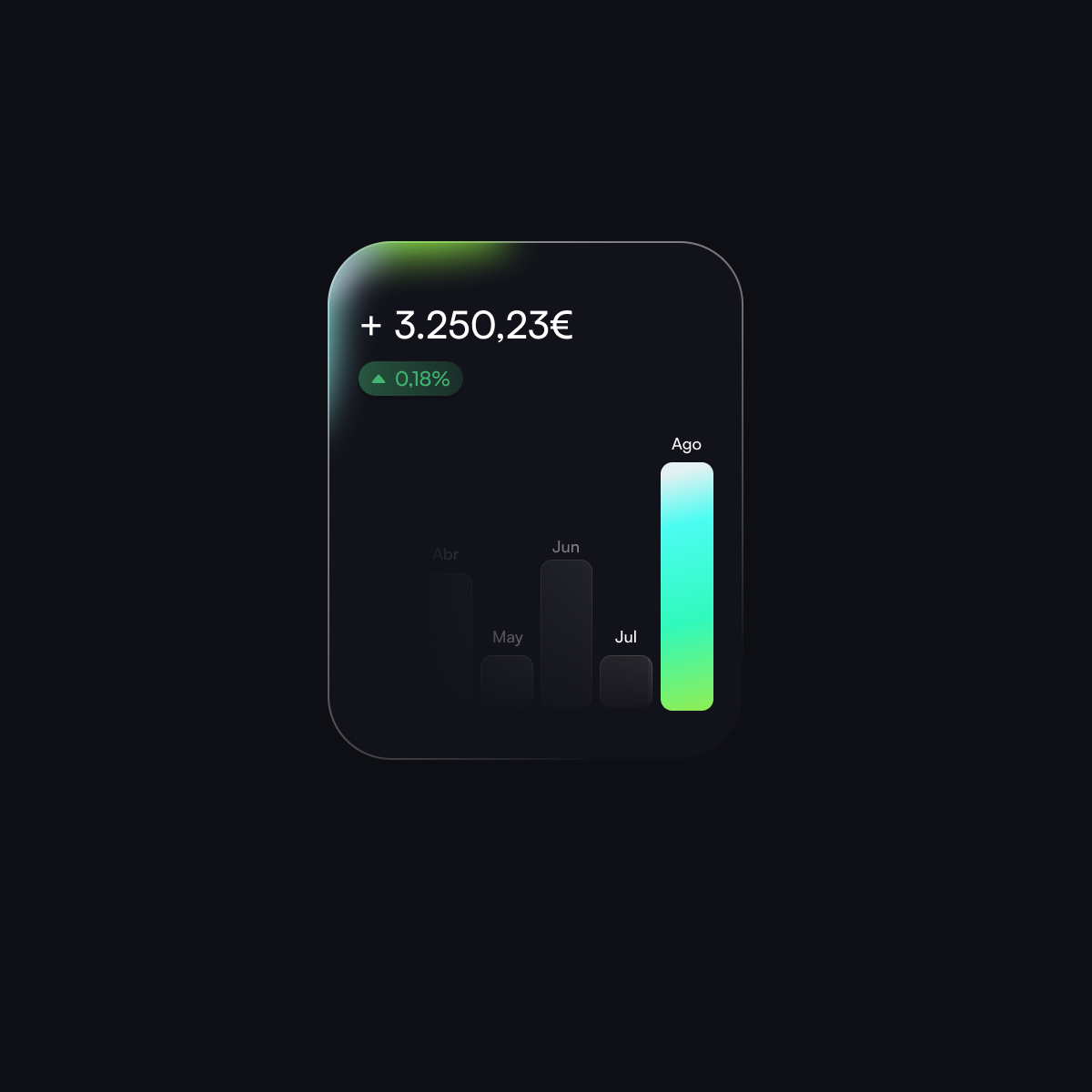
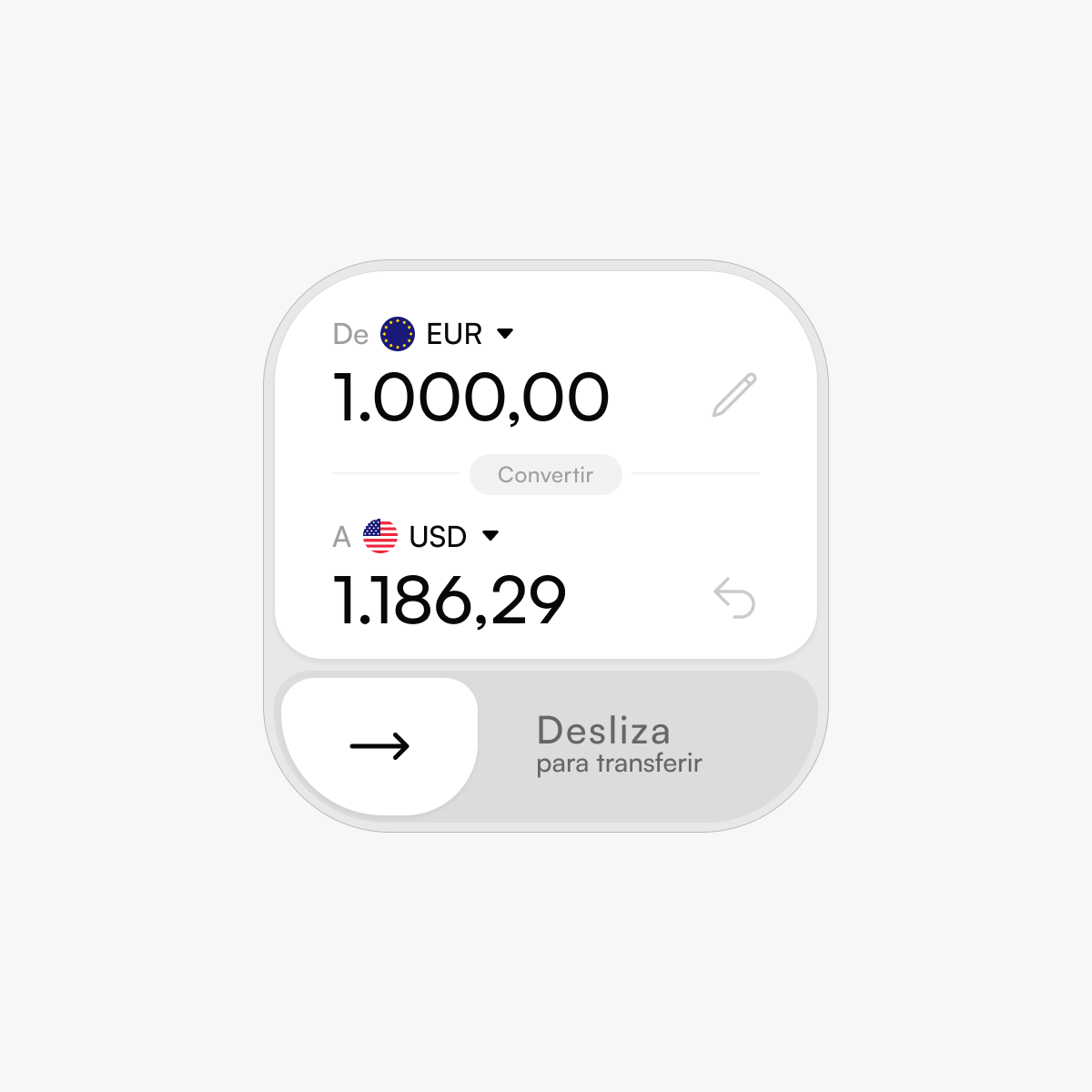
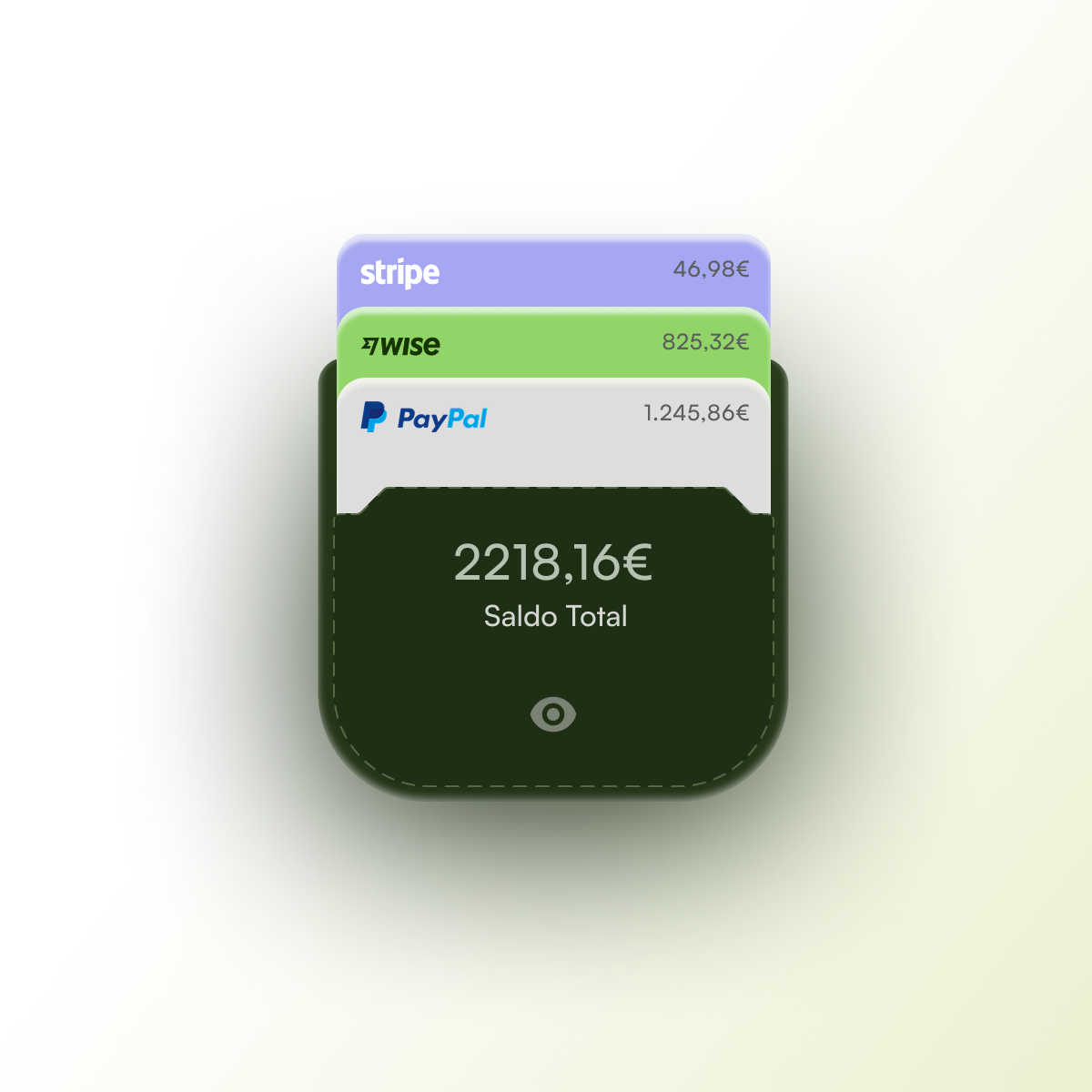
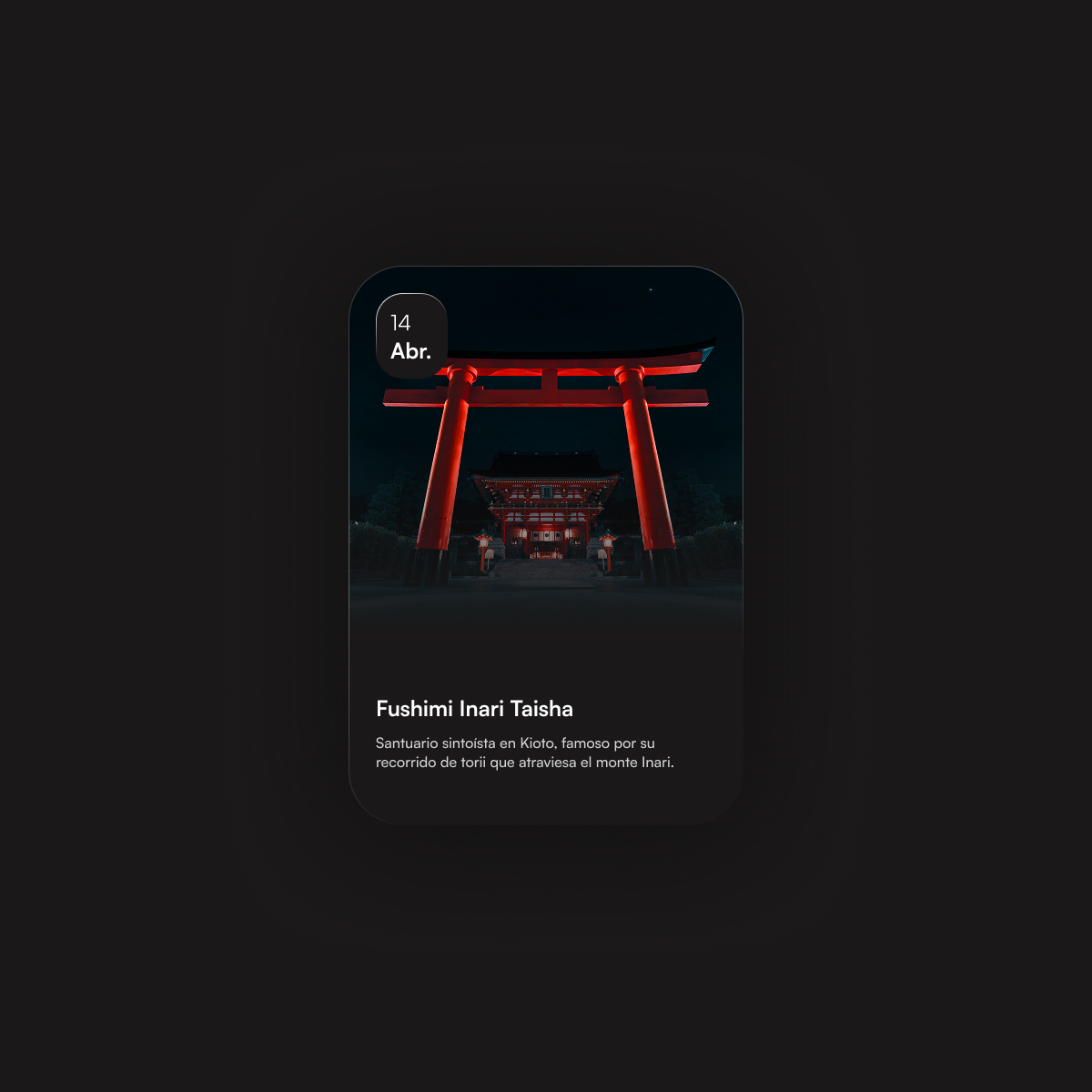
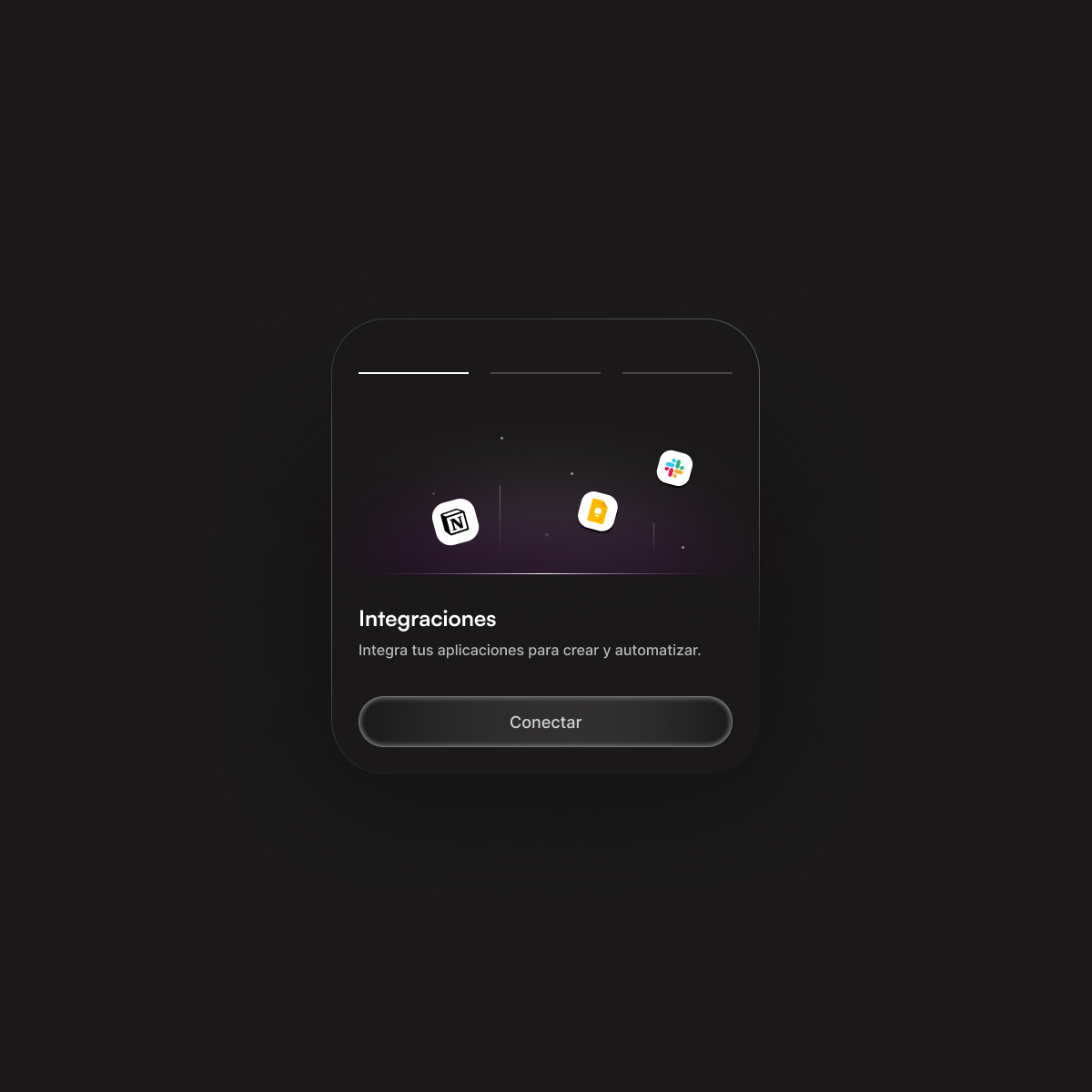
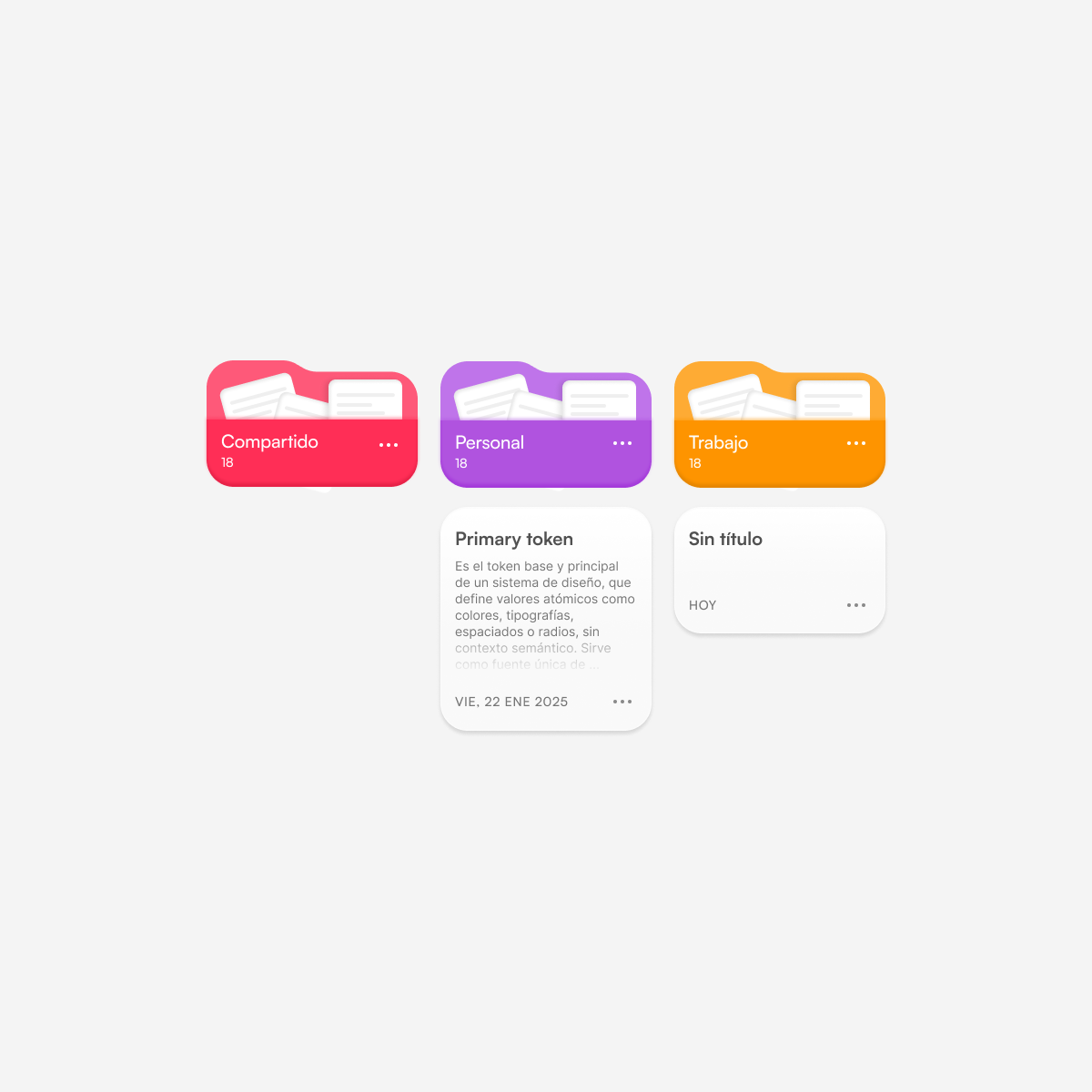
Real-world design decisions in complex and regulated digital products — showing how constraints, trade-offs and user needs shape outcomes.





How I design
Solving complex, regulated product problems by balancing user needs, constraints, and trade-offs.
Understanding constraints
I define what needs solving, who it impacts, and what success looks like. This ensures design is purposeful and measurable.
Exploring solutions
Validating decisions
I test decisions with real users and stakeholders, focusing on outcomes rather than aesthetics alone.
Refining under constraints
I iteratively improve solutions while respecting constraints, compliance, and real-world requirements.
Tools I Use
Tools don’t define the quality of a product. A clear process, good decisions, and the ability to adapt do.
Discover & Understand
Interviews & workshops – User research sessions
Typeform / Google Forms – Structured data collection
Miro / FigJam – Mapping insights and aligning stakeholders
Focus here is not the tool, but asking the right questions.
Design & Iterate
Figma – UI design, prototyping, and collaboration
Design Systems – Scalable and consistent UI foundations
Accessibility guidelines – WCAG-aligned decisions
Design decisions are always driven by usability, not aesthetics alone.
Validate & Learn
- Prototypes – Low to high fidelity
- User testing sessions – Qualitative feedback
- Iteration loops – Continuous refinement
Testing early avoids expensive mistakes later.
Deliver & Scale
Jira / Agile boards – Tracking and prioritization
Confluence / Documentation – Shared knowledge
Design–Dev collaboration – Clear specs and intent
Good delivery is about shared understanding, not just design files.